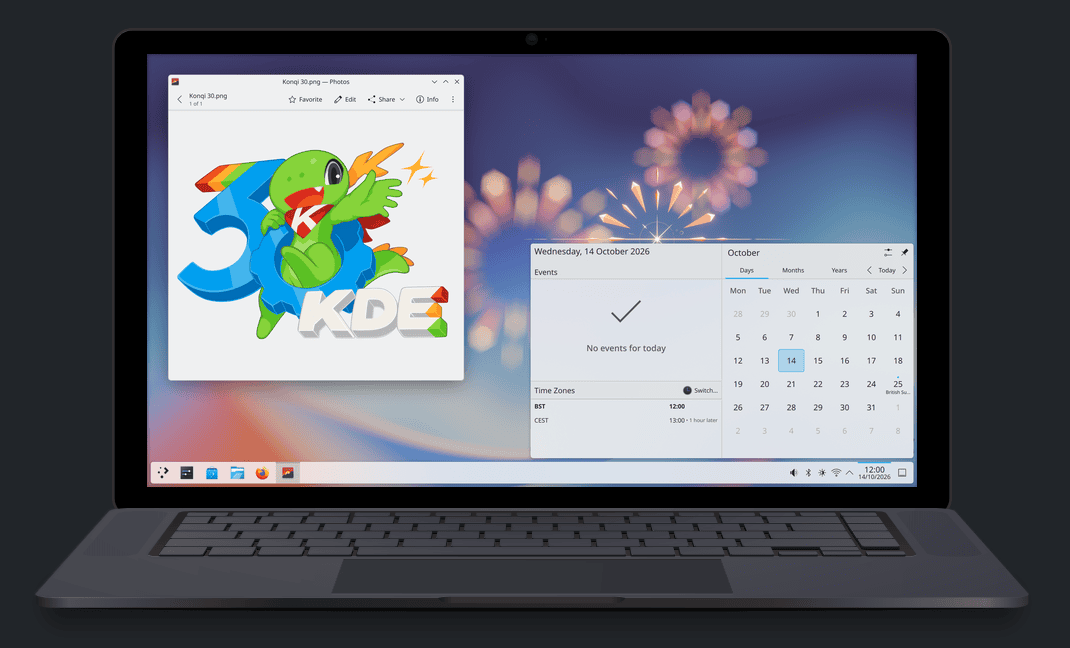
Marking the 30th anniversary of software developer KDE on October 14, the company released Plasma 6.8, debuted a movie, and retired Plasma’s native X11 session support. The announcement from KDE dubs the new Plasma 6.8 as the “30th Anniversary Edition” and describes the update as preparing Plasma for the future. Legacy X11 applications will still function via the XWayland compatibility layer, and KDE applications will also continue supporting X11 under other desktop environments.
After 42 years in service, the X11 protocol is losing another major desktop environment. Plasma will fully adopt the Wayland system and put support for starting new X11 sessions in Plasma to bed. Users opting to stay on Plasma 6.7 will keep their existing sessions for now. The move was expected, with GNOME officially dropping X11 sessions by default in 2025.
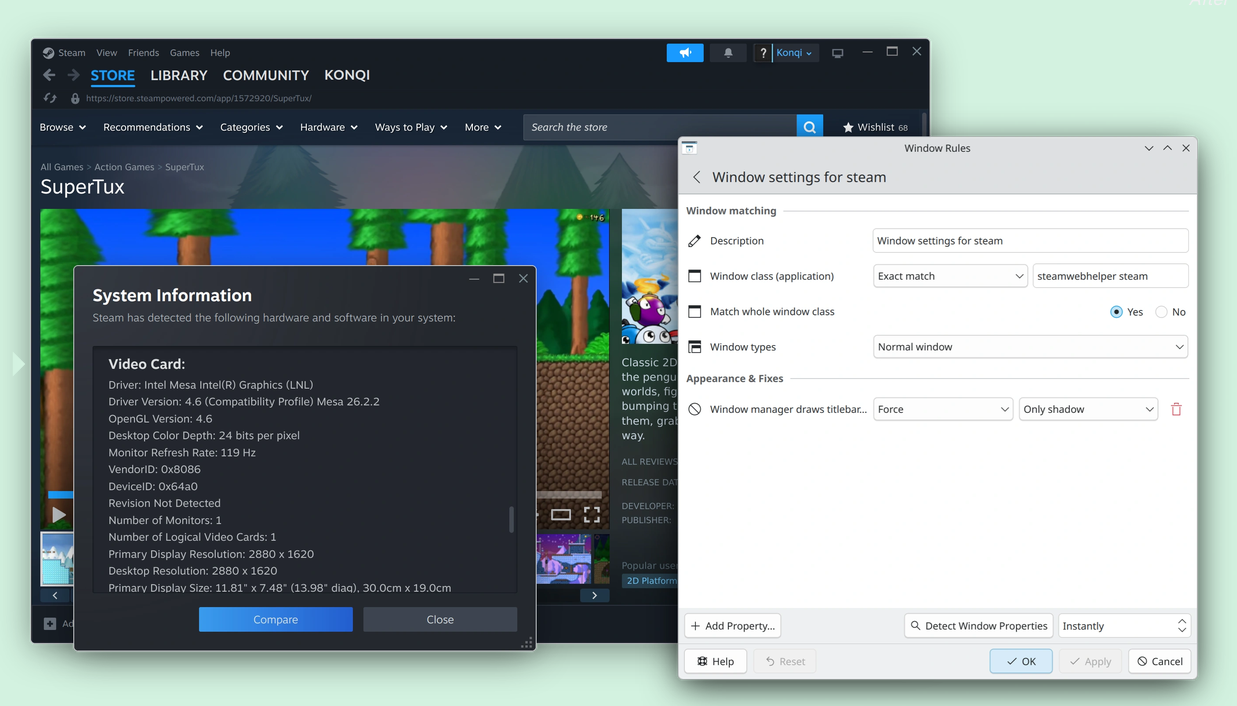
The new Plasma 6.8 brings many improvements, including increased support for adding window decorations (like shadows and rounded corners) to third-party apps, and a more streamlined Union theming system. Other notable additions include Nvidia triple buffering being enabled by default, Kup backup integration (KDE’s backup utility—now integrated into Plasma), and kscreenctl, a command-line utility that allows power users to adjust display configurations.
New window decorations for third-party applications.
Credit: KDE.org
New window decorations for third-party applications. Credit: KDE.org
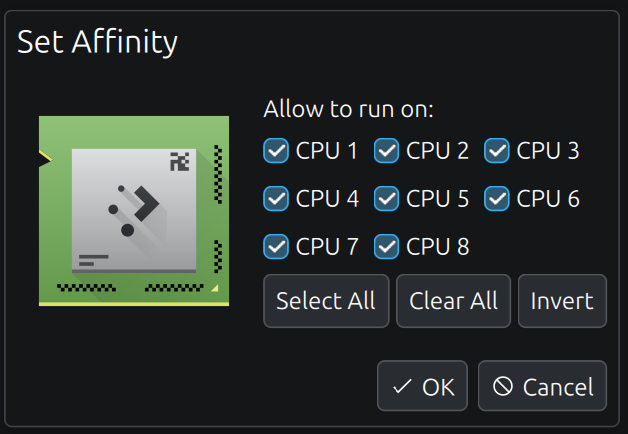
An updated System Monitor gives KDE users more control over their system processes, too. The revamped monitor allows users to pin processes directly to CPU cores through the GUI.
KDE users now have a GUI option for CPU pinning.
Credit: KDE.org
KDE users now have a GUI option for CPU pinning. Credit: KDE.org
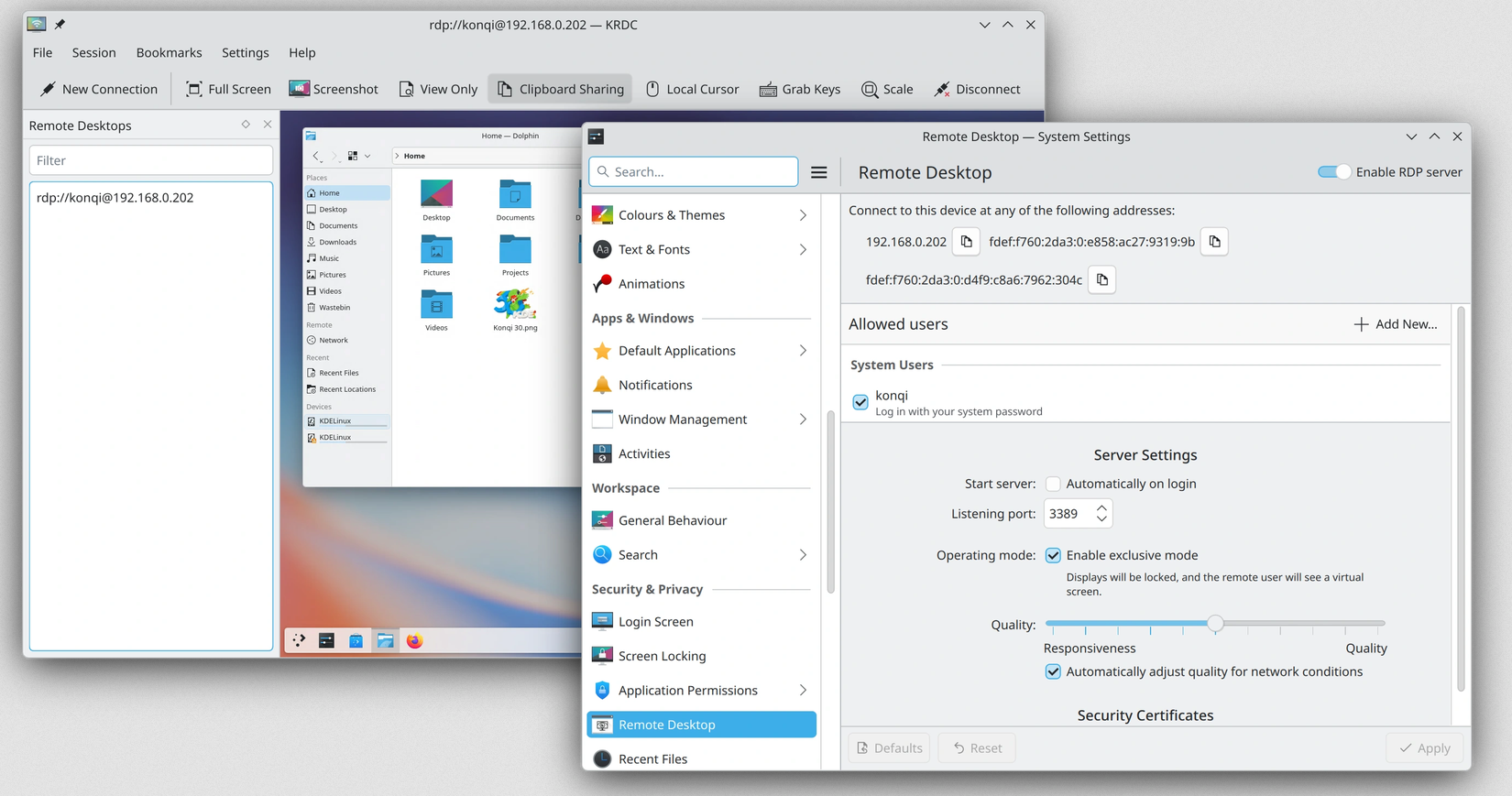
Homelabbers should find plenty to be excited about in the release. KDE revamped Plasma’s built-in remote desktop server to cater to clients accessing virtual displays across a network. Highlighted new features include clipboard synchronization between client and server, “Exclusive Mode” that locks the server’s physical display and allows the client to set a virtual one that matches their PC, and adaptive remote streaming that aids stability on slower networks.
New remote desktop features.
Credit: KDE.org
New remote desktop features. Credit: KDE.org
Linux enthusiasts can also check out a new movie released alongside Plasma 6.8. The KDE team debuted The KDE Documentary — A Story of Free Software Underdogs. An amusing opening-minute interview montage features KDE contributors laughing as they struggle to answer the question “What is KDE?”