Most people access Google’s search and AI products through a browser, but you’ve got some new options today. Google has been testing a Windows search app for some months, and it’s now officially available. Over on the Apple side of the fence, Google has focused its efforts on designing a native Gemini app. That one is also available widely today with the same features you get in the Gemini web interface.
The “Google app for desktop” first arrived on Windows in a beta form last September. It was pretty rough at first, and Google couldn’t even update the app’s early versions, forcing users to uninstall and reinstall new builds. That won’t be a concern with the official release, which brings assorted search capabilities to your Windows PC.
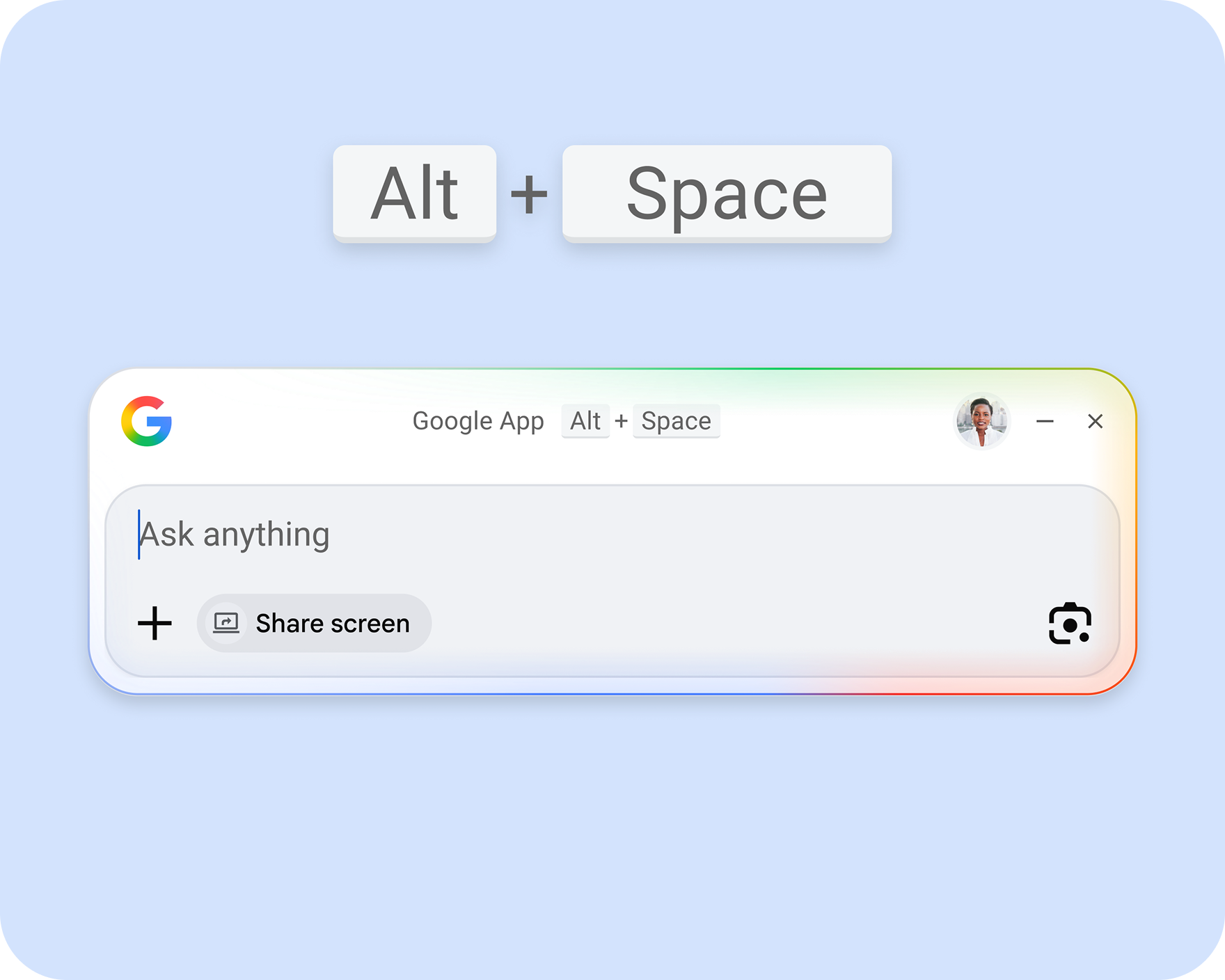
You can open the Google app by pressing Alt + Space at any time. The compact search UI floats on top of whatever you’re doing, allowing you to instantly search the web and (with authorization) your local files and apps. Web results look like what you’d get in a browser, right down to the inclusion of AI Overviews and AI Mode.
The Google Windows app can also pull the context from your screen for searches. There’s a Lens button, allowing you to highlight any part of the screen to instantly run a web search. You can also share your screen—either a single window or the entire screen—as context for your searches.
The Google desktop app requires Windows 10 or 11, and it only works in English. You can use it without logging in to your account, but the app won’t have as many features in that mode (just like using Google on the web). It’s available for download from the new dedicated landing page.
The first Gemini desktop app, now on Mac
There’s currently no Google search app for macOS, but Google has the AI side covered with the new Gemini app. This is the company’s first standalone desktop app for accessing Gemini. Google’s Josh Woodward says Google has been getting requests for a native Mac app, so the company put together a small team to build one. It didn’t even take very long, with less than 100 days to deliver a supposed 100-plus features on Mac. CEO Sundar Pichai says it was built entirely using Google Antigravity.
Opening the app is similar to how you access the Windows search app—hit Option + Space at any time to pull up a Gemini prompt bar. You can ask general questions like you would the web version of Gemini, but it can also access your windows for additional context. Again, that’s similar to the Windows app, with a greater focus on AI.
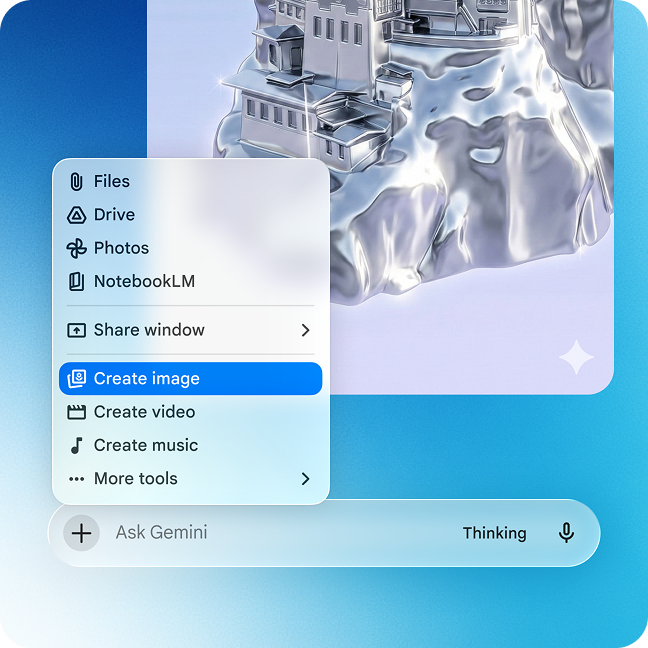
The Mac Gemini app, which is coded entirely in Swift, includes a full spate of Gemini features and model types. You can upload files, create notebooks, and access tools like Deep Research and Canvas right on your desktop. It also has access to image-, video-, and music-generation models. More features are apparently on the way, too.
Even if you like generative AI, Google’s method of distribution may be a dealbreaker. As of now, the company has opted not to list the app in the App Store for Mac. Instead, you have to download and install a DMG file from Google’s website. This one is available in all regions and languages with Gemini support.