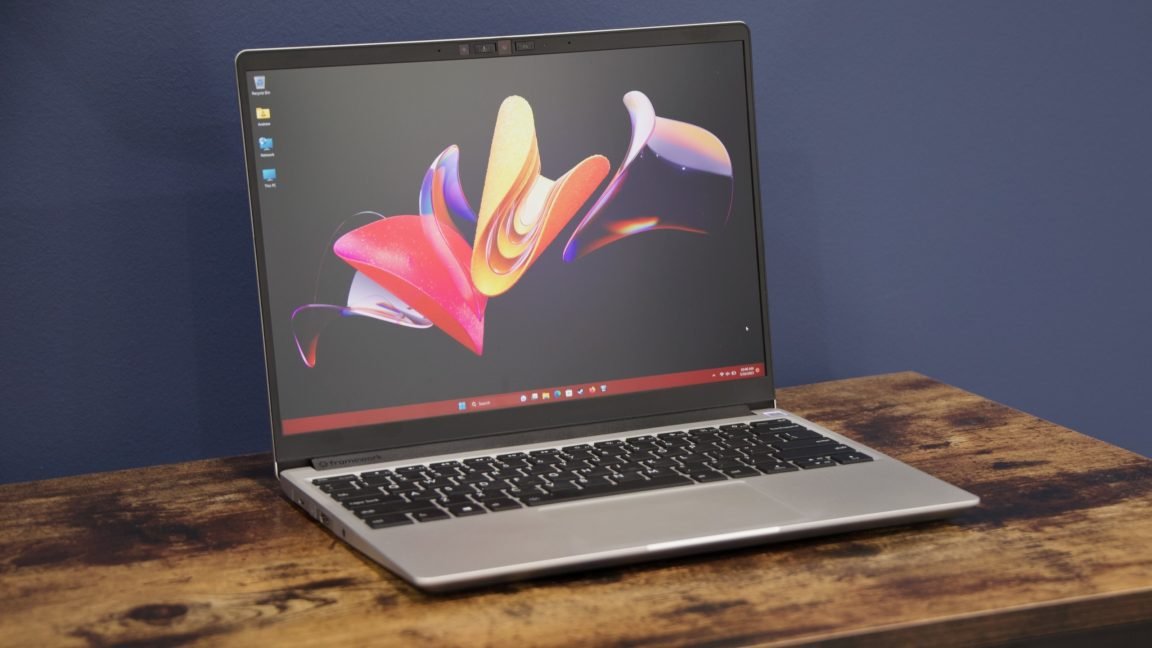
A BIOS update for the Framework Laptop 13 with AMD Ryzen 7040-series processors is bricking the systems, multiple users have reported online.
Framework started shipping pre-built Ryzen 7040-based Framework Laptop 13 computers and compatible motherboards in 2023. In June 2026, Framework released BIOS 3.20 for the devices. The update adds mainboard support for features, including a haptic touchpad and new speakers, for the higher-end Framework Laptop 13 Pro and fixes issues, including one “where the Battery Extender status was reported incorrectly following a reboot, hibernation, or shutdown after the timer had expired,” per a post on Framework’s forum from an employee.
Some users say that they installed the update successfully.
Numerous others, however, claim that the installation stalls, bricking the laptop.
“[T]he update process seems to have stalled,” a Framework forum user named Sven posted in July. “What I see is a black screen and a progress bar with 2 dots and then the Framework logo. The progress bar is not moving for about 3 hours now. Also, I can’t turn off the Framework using the power button, no matter how long I hold it down. Now the BIOS update is stuck, and I can not power down or reboot the machine.”
Ars Technica contacted Framework, asking how many customers are affected. In a company statement, Framework said it has “received reports of a small percentage of Framework Laptop 13 7040 Series BIOS updates resulting in non-bootable boards.” Framework is investigating the root cause of the issue, the statement said.
There are reports of users having problems with BIOS upgrades on Ryzen 7040-based Framework Laptop 13 devices going back to at least March 2025.
After the most recent BIOS update, some users reported that Framework support told them they needed a new motherboard, but Framework wouldn’t provide it for free because the customer was past warranty.
Framework’s statement to Ars says:
… in addition to replacing in-warranty Mainboards, we are making exceptions for out-of-warranty replacements where we can confirm a stable-release BIOS update caused the board to become non-bootable.
Framework is also introducing a “Crisis Recovery Mode” BIOS functionality to enable a path for failed updates to be directly recoverable.
“Our latest Framework Desktop BIOS release includes this functionality, and we are actively bringing it to Framework Laptop 12, 13, and 16 in our upcoming BIOS release cycles for each,” Framework said.
We won’t be sure of the source of the problems until Framework provides more information. Blogger Guanzhong Chen, however, wrote a detailed blog post this week about their purported experience with their motherboard breaking and suggested the problem stems from “some bug with the software that caused it to display what appears to be random memory on the screen, especially when this has happened before to other people for other BIOS versions.”
The software developer, who was ultimately able to flash the firmware onto their motherboard after a support representative reportedly told him to buy a new one, added:
“At the same time, it somehow flashes the BIOS slower in regular operation than a cheap 15 MHz programmer over pogo pins, which really makes you wonder what it’s doing under the hood.”