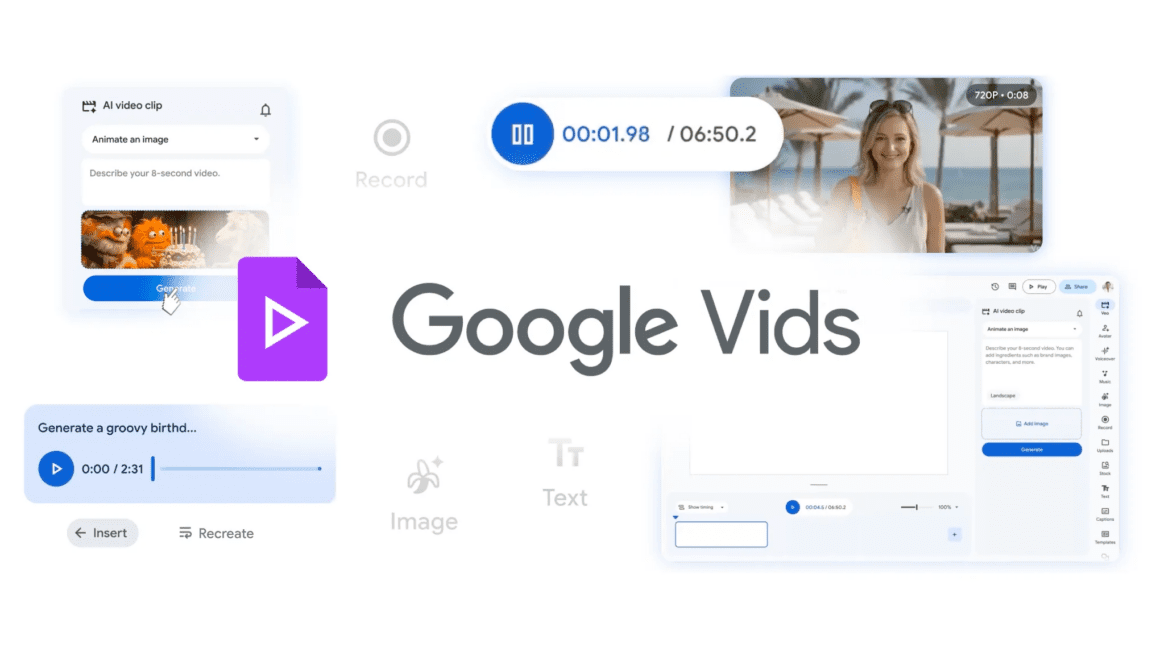
OpenAI might be pulling back on video generation, but Google is forging ahead with a major AI update to its Vids editing product. The company’s latest video and audio models are now integrated with the tool, and you can choose from various controllable avatars to appear in generated videos. Your creations are also easier to share on YouTube now.
Veo 3.1 is the biggest part of the Vids upgrade. Google first deployed this updated model in Gemini late last year, promising a substantial improvement in realism and consistency. While Google has pitched Veo as a tool for filmmakers, that’s not how it positions Vids. Google suggests using the AI tools in Vids to create animated party flyers, business sizzle reels, or a video greeting card. You can use Vids for free, but you won’t be able to generate very many videos without an AI subscription.
If you’re not paying for any AI access on your account, you only get 10 video generations per month. AI Pro subscribers can get 50 videos, and those paying for Google’s spendy AI Ultra plan (either personal or enterprise) get 1,000 videos per month. Like most other Veo implementations, the videos are eight seconds long and 720p resolution.
Google’s recently unveiled Lyria music creation models are also part of Vids now. The latest version of this AI music maker doesn’t even require you to type in lyrics. You just tell the robot what vibe you want, and it creates a soulless 30-second or three-minute track. It’s not high art, but that’s probably fine if you’re just making an animated birthday card. As with the video, AI subscribers have higher limits for AI music.
Consistency is always an issue with generative systems, but Google has a solution for that in Vids. The tool now has an assortment of preset AI avatars, both realistic and cartoony, that you can add to your video. These characters will sound and look the same (with some optional appearance customization) from one scene to the next, and you can prompt the avatars to say and do what you want. They can even interact with objects in your generated videos.
Google wants to reduce friction to help people make use of Vids, even if they’re not using the AI features. There’s a new Chrome extension that lets you record your screen or from a camera instantly without opening Vids. It has all the recording tools and can send your video to the full Vids website for further edits. The videos you create in Vids, AI-generated or not, are also easier to share now. Rather than downloading and then uploading videos to YouTube, Vids can publish them on Google’s streaming site directly. Exported videos default to private, allowing you to change the sharing settings how and when you want.
All the new features are live in Vids right now.