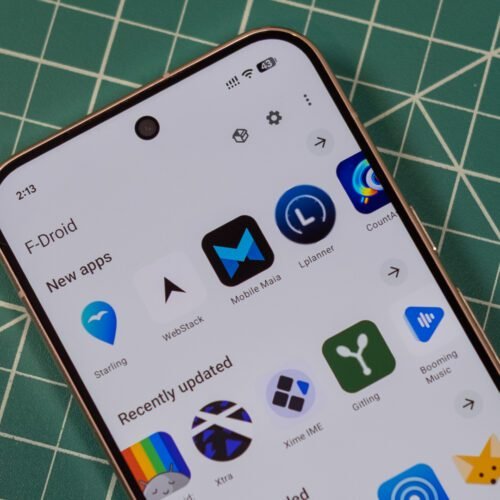
Virtually every Android device comes with the Play Store preloaded, but there are other ways to get apps. F-Droid bills itself as a community-driven source for free and open source Android apps, but its official app store has gone 10 years without a major update. That’s finally changing: After a multiyear effort, the team has just announced F-Droid 2.0 is rolling out.
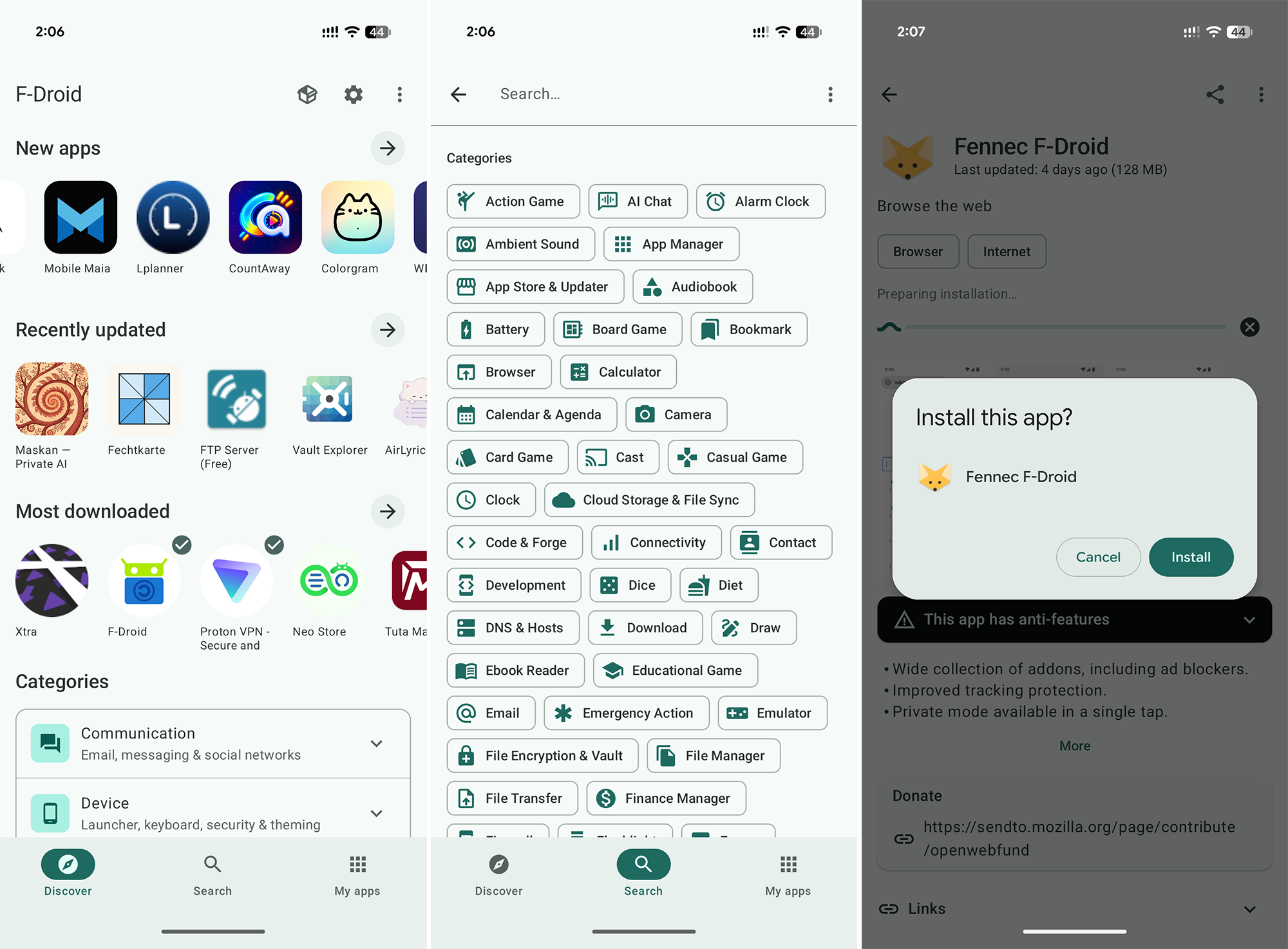
The new F-Droid client was redesigned from scratch in Kotlin Compose, which is the standard for modern Android apps. This makes the store much more responsive, and there’s optional support for Android’s Material theming. The interface has also been cleaned up considerably, making the most important functions easier to access and hiding some others in overflow menus.
While the new F-Droid looks nicer, the update was largely about making it easier to find and install apps. When F-Droid first appeared, there wasn’t much to see, but now it has thousands of open source apps. Unlike the Play Store, F-Droid doesn’t track your taps and installs to push ads and suggestions—it helps you find things and gets out of the way.
F-Droid now includes a huge number of categories, drilling down to specialized niches like firewalls, password managers, and VPNs. You can see all these groups in the search tab. There are also higher-level categories listed on the main Discover page. When searching for apps, F-Droid will now be able to return results based on app descriptions rather than just names.
When you find an app, F-Droid 2.0 will make the installation process easier. Google has long put up roadblocks for sideloaded apps, citing the security implications. This is also the rationale behind its upcoming developer verification system. For now at least, apps will be easier to install from F-Droid thanks to the use of Google’s pre-approval API. Instead of downloading an APK, opening it, and confirming the scary sideloading pop-up, you’ll just be able to verify you want to install an app before the download. So you tap “Install” in F-Droid, and then tap “Install” again in a system pop-up. That’s one more click than the Play Store, but it’s still an improvement.
The team also says that F-Droid 2.0 will automatically check for and install app updates (unless you disable this). It can also download and install multiple apps simultaneously. Given the auto-updates, F-Droid no longer uses pull-to-refresh on the app screen, which the developers acknowledge may upset their particular user base. Manual updates are still available in the three-dot menu for peace of mind.
Here’s the highlighted changelog from F-Droid.
New in version 2.0.0
- UI rewritten from scratch with Kotlin compose
- Improved search, also searching in descriptions and translations
- Easier to discover new apps, also highlighting the most downloaded ones
- Installation approval *before* downloading
- Multiple updates/downloads at the same time
- Notifying user of issues with apps (e.g. signing key changed)
- Optional Material You color theme
- Improved filtering of lists
The new F-Droid client is rolling out in stages over the next two weeks—the default installer on the F-Droid site hasn’t been replaced yet. If you want the 2.0 release right now, it’s available on the versions page. The official client is not the only way to access F-Droid apps, but now you’ll have less reason to seek out an alternative.